

At a Glance: How to Stop Spam in 2026
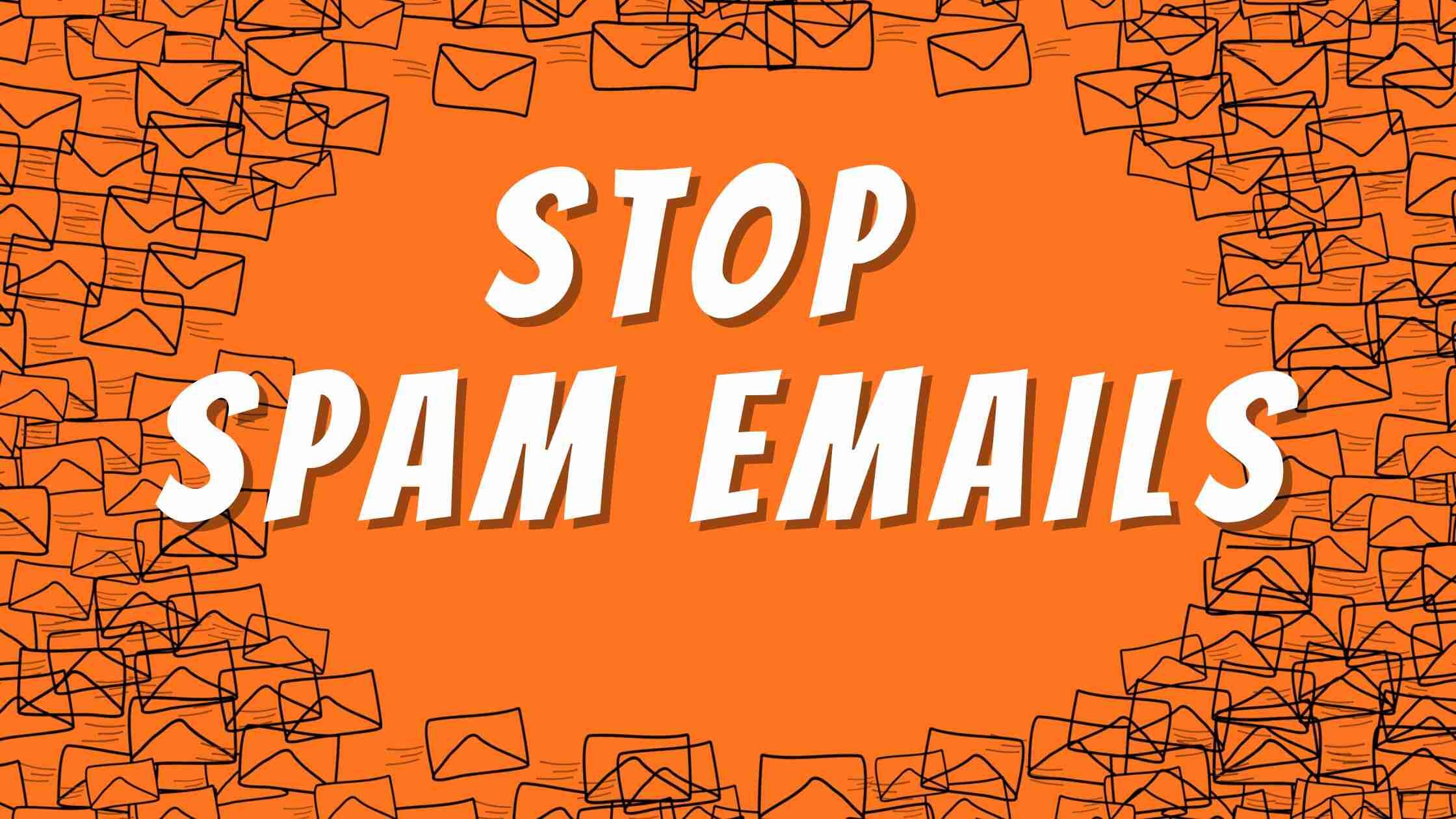
- What is it? Spam is unsolicited bulk email sent without consent, often for marketing or phishing.
- How to stop it: Use AI-driven filters, never click "Unsubscribe" on suspicious scams, and use "Hide My Email" aliases.
- Reporting: Forward suspicious emails to report@phishing.gov.uk and texts to 7726.
- SEO Spam: To stop SEO spam emails, use "honeypot" fields on your website contact forms to block automated bots.
Let’s be honest, nothing ruins a productive morning quite like a inbox dull of junk. Whether it’s a “limited time” offer or weirdly long “sales pitch” for a product you will never buy, spam email is the digital equivalent of that one person who won’t stop knocking on your front door.
In 2026, spam isn’t just a email you can delete and hope that it never shows up again. It’s getting smarter and creative to reach your inbox to have a yet another try to make you their customer. Here’s a effective guide to what spam email is and, most importantly, how to kick them out of your inbox, FOREVER.
What Exactly is a Spam Email (and What Does Spam Stand For?)
If you ever wonder what is a spam email, the answer is simple, it’s an unsolicited digital email usually sent in bulk for promotion or sales purposes. But what does spam stand for?
While the term originally came from a Monty Python sketch about “Spiced Ham” in 1970. In tech world, many use it as a backronym for Sending and Posting Advertisement in Mass. While some of it is just annoying marketing from companies you once bought a socks from, it might also include fraudulent emails called “Phishing” – a malicious attempt to trick you into giving away passwords or bank details.
Why Me? (How They Got Your Address)
If you’re wondering how these companies got your email id, it’s usually down to one of these three things:
- Web Scrapping: Automated “bots” crawl public websites and social medias to harvest email addresses listed in plain text.
- Data leaks: If a website you use gets hacked, your email might end up on a “hit list” sold on the dark web.
- The Guessing game: Scammers use software’s to generate millions of combination of common name and domains (like john.smith@ or info@) until something works
How to Stop Spam Emails – Permanently
You don’t have to live with it. Here is how you fight back.
1. The “Unsubscribe” Trap: Know When to Click
The “unsubscribe” link is a legal requirement for legitimate marketers and brands. However for scammers, it is a tool for verification.
Rule: Only click the unsubscribe link if you recognize the brand or sender. If the email is from unknown or suspicious source, do not click the Unsubscribe link. Clicking a link in a scam email tells the sender your account is active and monitored, which will lead to more spam.
2. Let AI Do the Heavy Lifting
Modern email providers like Gmail and Outlook use advanced machine learning techniques to identify spam emails and block it from reaching your inbox. However, if these junk do find their way into your inbox, don’t just delete it. Use the “Report spam” or “Report phishing” function.
3. How to Stop SEO Spam Emails
Many business owners ask how to stop SEO spam emails specifically. These are those annoying emails that promise to “get your website #1 on Google.”
The Fix: To stop them add “HoneyPot” field to your contact form. This is a hidden box that human’s can’t see, but bots will fill out automatically. Upon submission, your server checks any submissions and is flagged as bot.
4. Use the “Disposable” Email Trick
If your signing up for a one-time discount code or a random newsletter. Don’t use your primary email. Use a secondary “junk email account” or a “hide my email” service. This ensures that you reduce the chance of attractive spam emails to your inbox.
5. Report it to the Authorities (The 7726 Trick)
In the UK, users and businesses can report these spam to proper authorities.
- For Emails: Forward any suspicious emails to report@phishing.gov.uk.
- For texts: Forward fraudulent emails to 7726 (it’s free and spells “SPAM” on your keypad!).
Emerging Threats: Beyond the Inbox
Scammers are using new tech and methods. Keep an eye out for:
- Quishing (QR Code Phishing): Attackers embed malicious links within QR codes inside an email to bypass standard URL scanners
- AI Voice Scams: You might get an email followed by a weirdly realistic “follow-up call.” Always verify urgent requests through a different channel (like calling a known number back).
Frequently Asked Questions
Need a Cleaner Digital Setup?
Feeling overwhelmed by your digital footprint? At TeeGee Digital, we specialize in implementing robust digital infrastructures to protect your business from threats and evolving attacks. From secure hosting solutions to managed email services, we ensure our team handles the security so that you can focus on the growth of your business without any distraction.
Ready to optimize your digital security?
Related posts

















Get in touch
We offer a unique approach to web design, SEO & Digital Marketing.
Our team are experts in every field of digital marketing so, you can have a stunning, professionally designed website that gets you sales & leads!
If you have any questions, or would like to discuss your project with us, please use the form below and we will get back to you – usually within a couple of a hours.